Skills vs. Other Claude Code Features
TL;DR
- CLAUDE.md loads into every conversation and is best for always-on project standards. Skills load on demand and are best for task-specific expertise
- Subagents run in isolated execution contexts — use them for delegated work. Skills add knowledge to your current conversation
- Hooks are event-driven (fire on file saves, tool calls). Skills are request-driven (activate based on what you’re asking)
- MCP servers provide external tools and integrations — a different category entirely from skills
- Each feature handles its own specialty — combine them rather than forcing everything into one approach
CLAUDE.md vs Skills
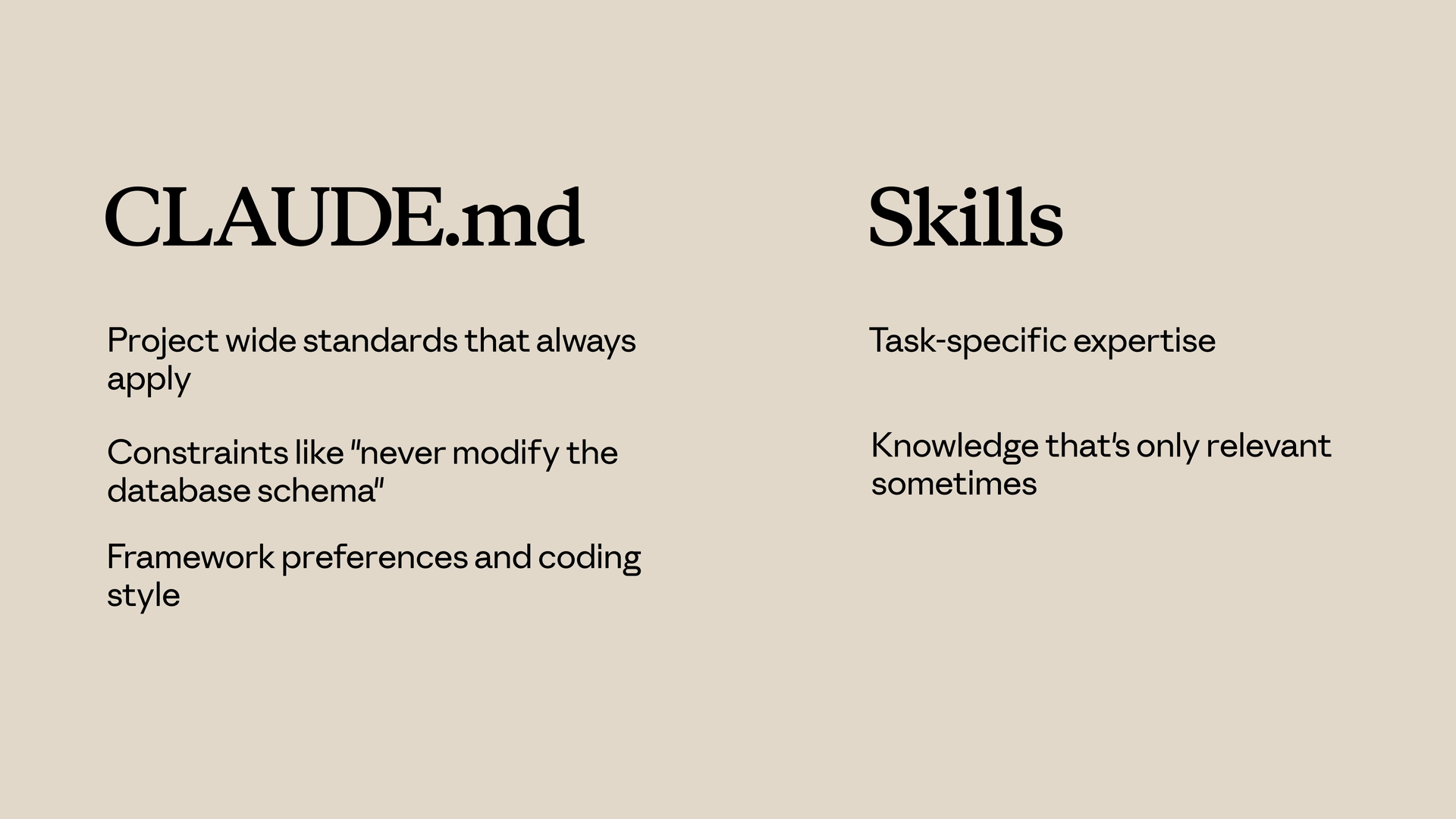
Use CLAUDE.md for:
- Project-wide standards that always apply
- Constraints like “never modify the database schema”
- Framework preferences and coding style
Use Skills for:
- Task-specific expertise
- Knowledge that’s only relevant sometimes
- Detailed procedures that would clutter every conversation
Skills can also be called explicitly using /your-skill.
Skills vs Subagents
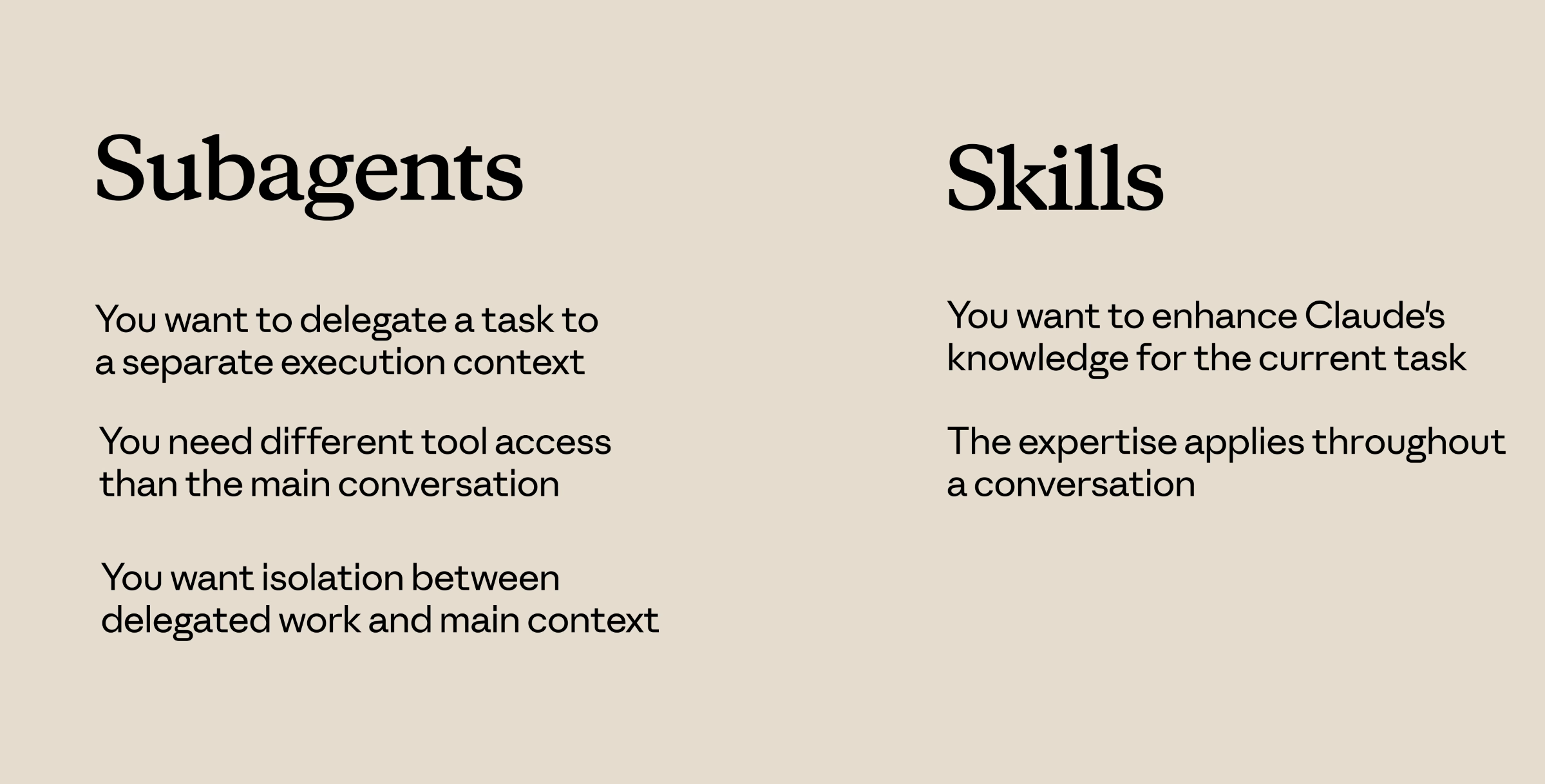
Subagents run in a separate context. They receive a task, work on it independently, and return results. They’re isolated from the main conversation.
Skills add knowledge to your current conversation. When a skill activates, its instructions join the existing context.
Use Subagents when:
- You want to delegate a task to a separate execution context
- You need different tool access than the main conversation
- You want isolation between delegated work and your main context
Use Skills when:
- You want to enhance Claude’s knowledge for the current task
- The expertise applies throughout a conversation
Skills vs Hooks
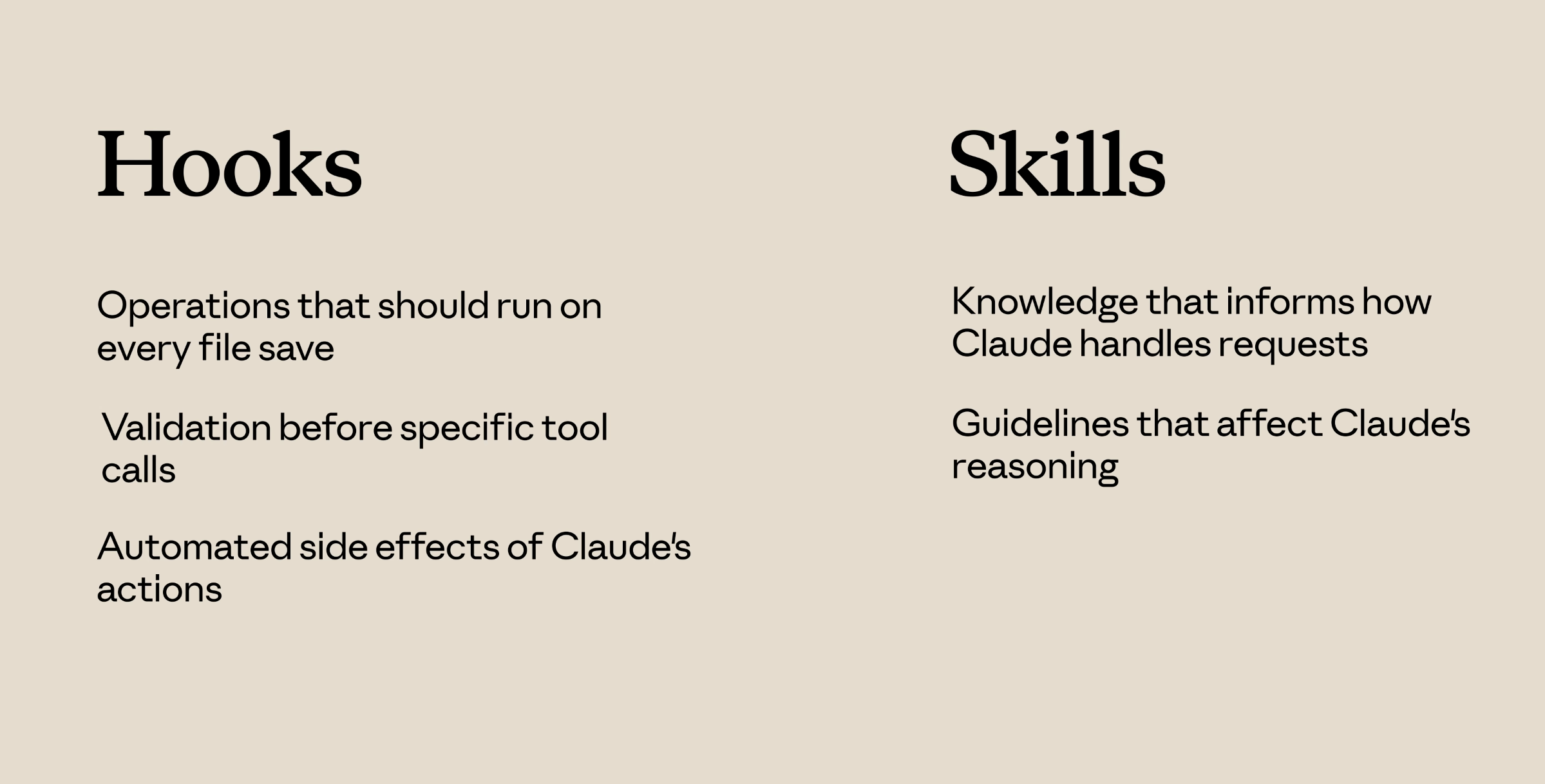
Hooks are event-driven and fire on events. A hook might run a linter every time Claude saves a file, or validate input before certain tool calls.
Skills are request-driven. They activate based on what you’re asking.
Use Hooks for:
- Operations that should run on every file save
- Validation before specific tool calls
- Automated side effects of Claude’s actions
Use Skills for:
- Knowledge that informs how Claude handles requests
- Guidelines that affect Claude’s reasoning
Putting It All Together
A typical setup might include:
- CLAUDE.md — always-on project standards
- Skills — task-specific expertise that loads on demand
- Hooks — automated operations triggered by events
- Subagents — isolated execution contexts for delegated work
- MCP servers — external tools and integrations
Each handles its own specialty. Don’t force everything into skills when another option fits better — and you can use multiple at a time.
Use skills when you have knowledge that Claude should apply automatically when the topic is relevant, and combine them with other features for comprehensive customization.