Prompts in the Client
Implementing prompt functionality in MCP client:
- List all available prompts from the server
- Retrieve specific prompts with variables filled in
Implementing List Prompts
The list_prompts method is straightforward. It calls the session’s list prompts function and returns the prompts:
async def list_prompts(self) -> list[types.Prompt]:
    result = await self.session().list_prompts()
    return result.prompts
Getting Individual Prompts
The get_prompt method handles variable interpolation. When you request a prompt, you provide arguments that get passed to the prompt function as keyword arguments:
async def get_prompt(self, prompt_name, args: dict[str, str]):
    result = await self.session().get_prompt(prompt_name, args)
    return result.messages
For example: If your server has a format_document prompt that expects a doc_id parameter, the arguments dictionary would contain {"doc_id": "plan.md"}. This value gets interpolated into the prompt template.
How Prompts Work
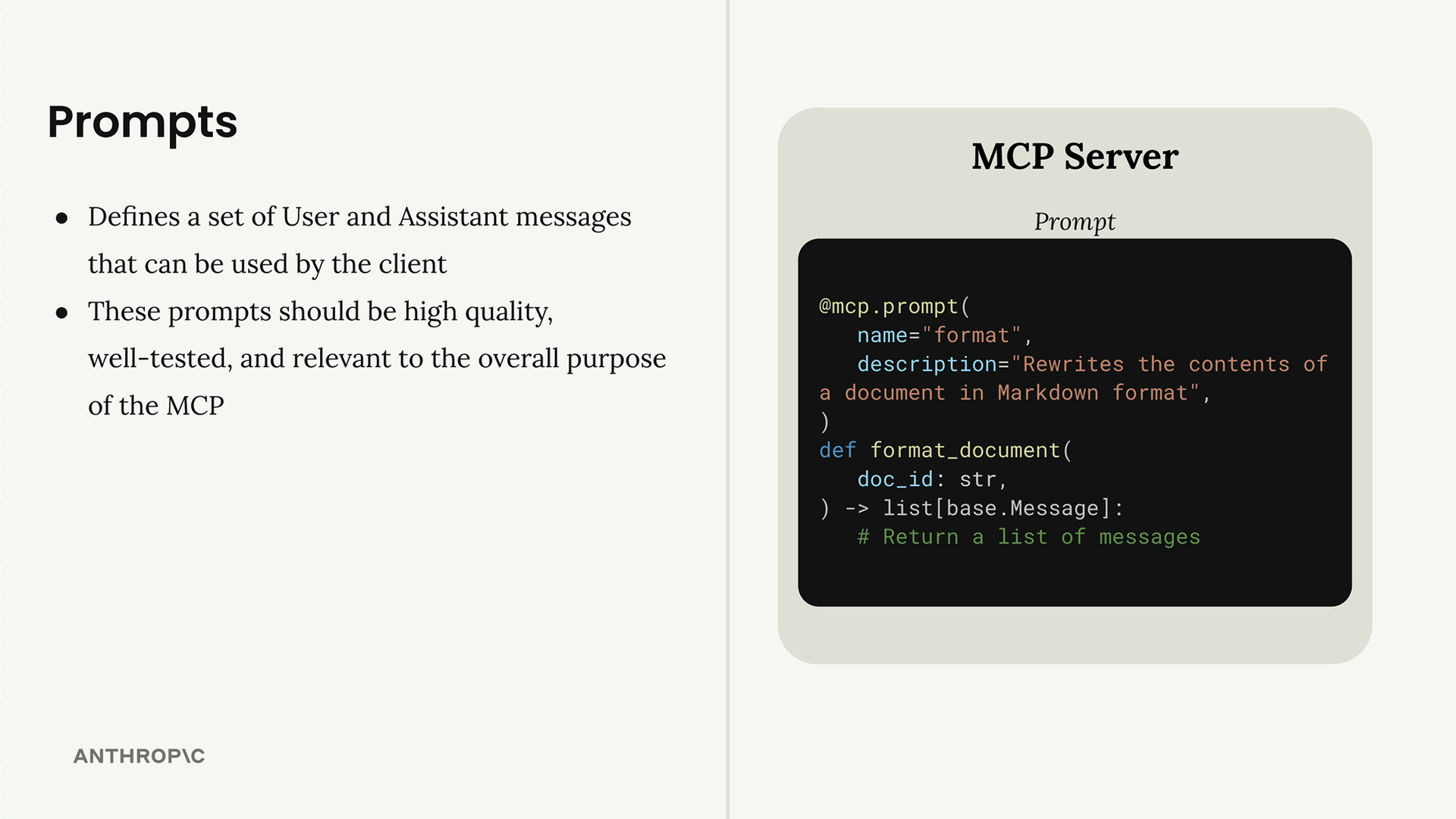
Prompts define a set of user and assistant messages that clients can use. They should be high-quality, well-tested, and relevant to your MCP server’s purpose. The workflow is:
- Write and evaluate a prompt relevant to your server’s functionality
- Define the prompt in your MCP server using the
@mcp.promptdecorator - Clients can request the prompt at any time
- Arguments provided by the client become keyword arguments in your prompt function
- The function returns formatted messages ready for the AI model
This system creates reusable, parameterized prompts that maintain consistency while allowing customization through variables. It’s particularly useful for complex workflows where you want to ensure the AI receives properly structured instructions every time.